Lifous FAQ for FocusCrew Users
Sheida ·
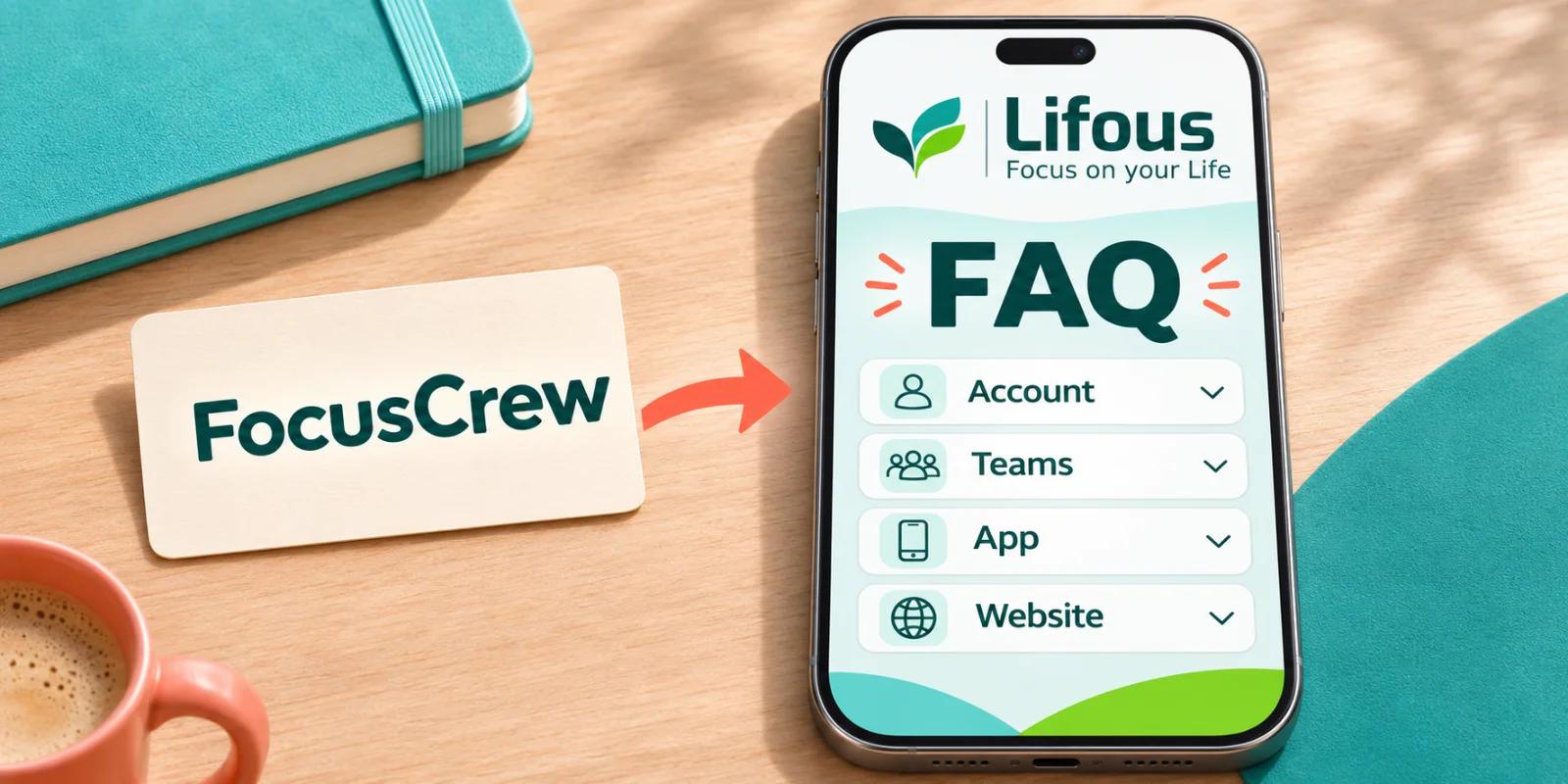
Is Lifous the old FocusCrew?
Yes. Lifous is the new name for FocusCrew. It's the same product, with a name that better fits what it's for now. If the logo, app listing, or website looks different, you're still in the right place. The App Store release notes describe the change as a new name and icon for the same app and account.[1] Losing a familiar name from your screen can still feel like a big change, so this FAQ covers the practical questions: whether you need a new account, where Crews went, what changes in the app, and what happens to the old website. For the story behind the change, read Why We Renamed FocusCrew: Focus Was Never the Whole Point.[2]
Do I need a new account?
No. Sign in to Lifous with the account you already used for FocusCrew. The App Store listing says the same account carries over, and the rebrand announcement describes Lifous as the existing product under a new name.[1][2] Because the website has a new address, lifous.com may ask you to sign in again. That's a normal sign-in, and you don't need to create a new account. Choose Sign in and use your existing login details. If you start the sign-up flow by mistake, stop before you finish, or your work could end up split across two profiles.
Where did Crews go?
Crews are now called Teams, and you'll find them in the app menu. Only the name has changed. You can still use a Team to focus alongside other people, chat, and take part in group challenges. The App Store release notes say it directly: "Crews are now called Teams."[1] So if an older article, screenshot, or message mentions a Crew, it means what's now labelled a Team. The older guide to planning, habits, and shared focus still explains how the group feature works.[6] Teams are optional, and your timer, planner, and routines work just as well on your own.
Is the app the same?
Yes. On iPhone, the App Store listing now shows the Lifous name and icon, and its release notes confirm it's the same app and account.[1] There's no separate "new Lifous" to download and no profile to set up again. The app still brings together focus sessions, planning, habits, notes, and shared work, and your account still syncs with the website.[1] We'll keep adding to and improving Lifous over time, but you won't have to start over because of the rename. For a walkthrough of the focus flow, the How Lifous works guide covers planning, sessions, habits, and working together.[4] The earlier body-doubling guide is still available under its FocusCrew-era title.[5]
Does focus-crew.com still work?
Yes. The main website is now lifous.com, and pages on focus-crew.com redirect to the matching page on Lifous. Old bookmarks and blog links that start with focus-crew.com will still take you to the right place. You can update your bookmarks to lifous.com, but you don't have to replace every old link. The FocusCrew address also keeps running behind the scenes for older app installations and connected services.[2][3][7] If you're sharing a link with someone new, send the Lifous address.
Why do some pages still say FocusCrew?
We're updating the product and our older material in stages, so you may still see FocusCrew in older blog titles, screenshots, saved links, or parts of the app. It's the old name for Lifous, and there's nothing to migrate. Older how-to articles still work as guides even where the wording or images haven't caught up.[2] When an old page and the current app use different labels, go with the current Lifous screen, and remember that Crews are now Teams. The Lifous homepage has the latest product information.[3]
What should I do now?
Keep using the account you already have, and sign in again if the new website asks you to. On iPhone, update the app you already have, and its store listing will show the Lifous name.[1] On the web, bookmark lifous.com and let older focus-crew.com links redirect. You don't need to rebuild your routine because of the new name. Start with whatever helped you before, whether that's the focus timer, a plan for the day, or working alongside a Team.
References
- Apple App Store. Lifous: Focus on Your Life.
- Lifous. Why We Renamed FocusCrew: Focus Was Never the Whole Point.
- Lifous. Homepage.
- Lifous. How it works.
- Lifous (formerly FocusCrew). Camera-Shy? Try Body Doubling Without Video Calls.
- Lifous (formerly FocusCrew). Meet FocusCrew: Plan Your Tasks, Build Habits, and Focus Together.
- Lifous. FocusCrew website.